
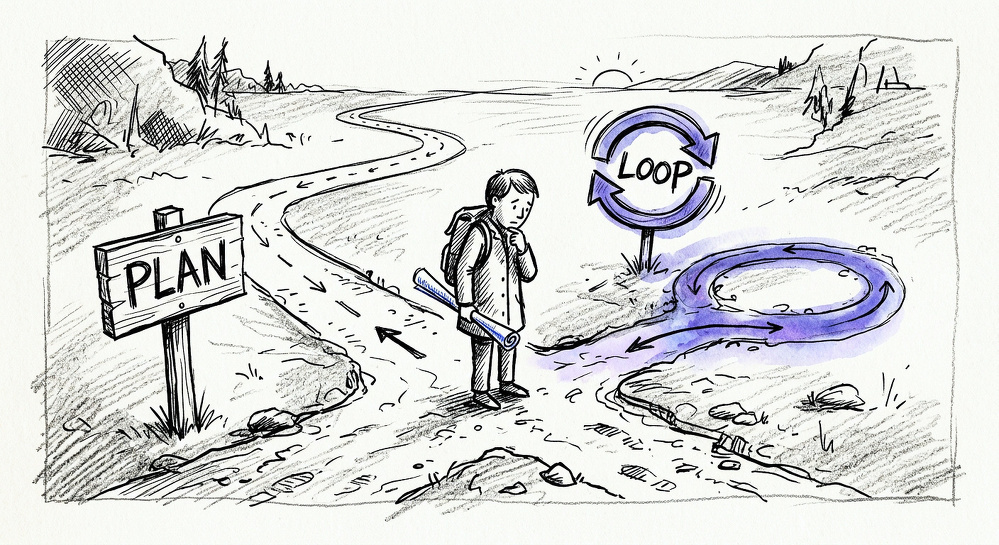
There’s a phrase making the rounds in AI-assisted development circles right now: “don’t prompt, loop.” The idea is elegant on its face—stop hand-holding your LLM with step-by-step instructions. Instead, give it a goal and let an agentic loop run until the work is done. The machine figures out the steps. You review the output.
It sounds like progress. It feels like progress.
It’s vibe coding with a better marketing budget.
What I Actually Did Last Week
I spent ten days planning a new project before writing a single line of implementation code. No app shell. No prototype. No “let’s see what the AI gives us.” Just specs.
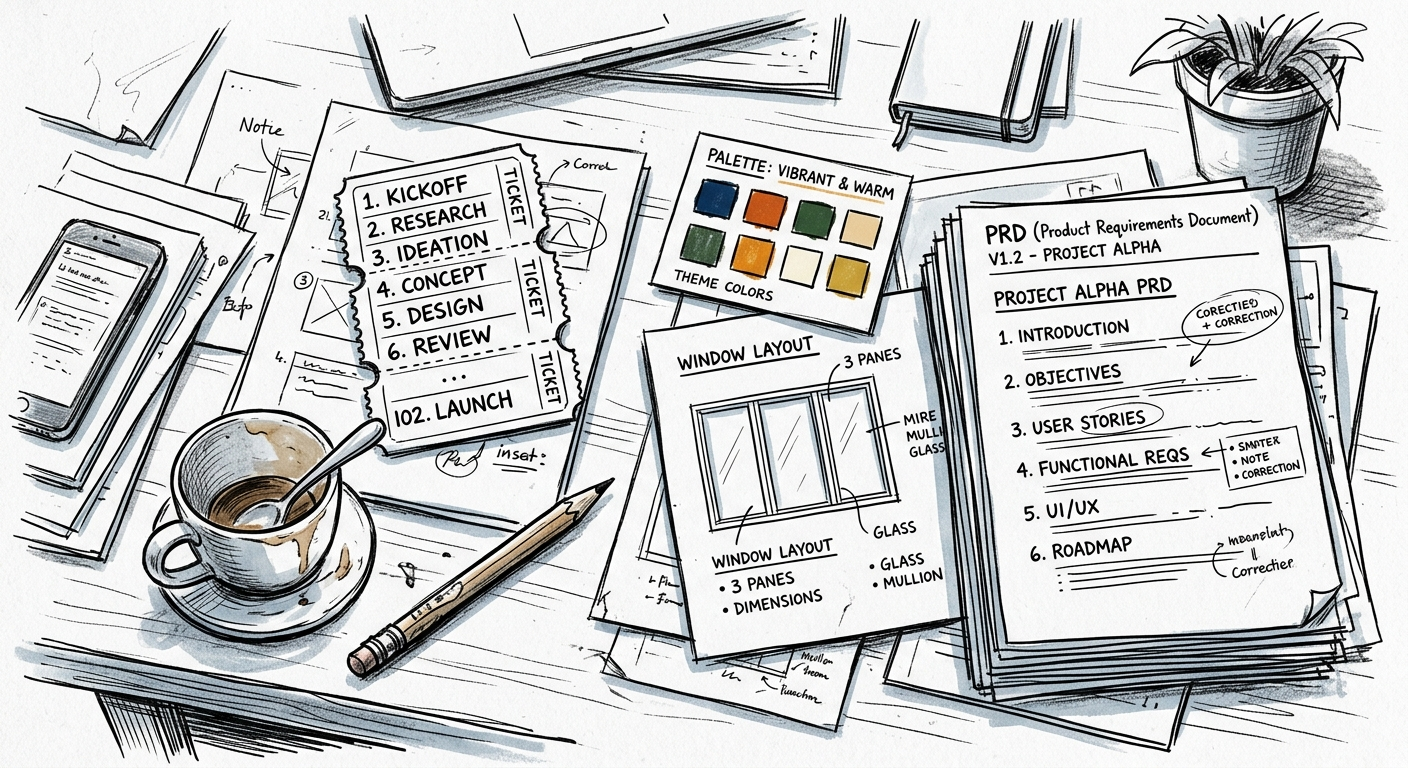
Several PRDs. Roughly 102 tickets, broken down by component and dependency. A theming system designed on paper before any SwiftUI file existed. A three-pane layout architecture argued through in markdown before the first VStack was written. About four throwaway prototypes for very specific questions like take the default SwiftUI List or roll my own.
Yesterday—day eleven—I finally started coding. Today’s goal: a functioning app shell with theming and that three-pane layout. Maybe the first main tab if things go well.
Yeah. Only the app shell.
I can already hear the counter-argument: why not just describe what you want and let the loop build it? Why spend a week and a half on documents when an agent could iterate toward something usable in an afternoon?
Because the plan isn’t overhead. The plan is the work.
Two Sides of the Same Coin
“Vibe coding”—writing software through loose natural language prompts, iterating toward something that feels right—has its critics. Addy Osmani drew a useful line between vibe coding and AI-assisted engineering: the distinction isn’t the tool, it’s who’s holding the blueprint. In professional engineering, the human retains control over architecture and design decisions. The AI builds. It doesn’t decide what to build.
“Don’t prompt, loop” pretends to be something different. It promises autonomy and sophistication. But strip away the language and you’ve got the same underlying move: give the model a vague goal and hope the output is good enough.
The loop just does it faster and with less supervision. That’s not an improvement—that’s a faster way to accumulate decisions nobody made.
The Cost of Unsupervised Loops
This isn’t theoretical. Veracode’s 2025 GenAI Code Security Report found that 45% of AI-generated code across more than 100 models contained critical security vulnerabilities. Not edge cases. Not style issues. Critical holes that a code review should have caught—if there was a code review.
Then there’s the money. A developer wakes up to a $500 API bill because their agent got stuck retrying a failed call for eight hours straight. It sounds almost funny until it’s your credit card. These aren’t edge cases—they’re what happens when “keep working” becomes “keep going forever” and nobody set a limit.
These are extreme cases, sure. But the pattern scales down too. Without a spec, without tickets, without someone having thought through what the system should do before asking a machine to build it, you get code that works incidentally. Code that passes the eye test then collapses under maintenance. Spaghetti an agent was perfectly happy to serve because nobody told it not to.
Why 102 Tickets?
I’m building something called Helm—an agent management application for macOS, in the general family of tools like Cursor or Superset. I’m not ready to share much about it yet. It might not even be viable. But the process is worth talking about regardless of whether Helm ships.
Those 102 tickets aren’t busywork. Each one represents a decision I made consciously:
- What does the theming system need to support on day one versus day ninety?
- Which panes depend on which other panes, and what happens when one fails to load?
- What’s the minimum viable interaction for the first tab, and what can we defer?
An agentic loop could have built an app shell with a theming system and a layout. But it wouldn’t have built this one—the one that matches what I actually want, not what the model guessed I wanted.
Measured Steps in an Era of Fast
I like AI. I use it constantly. But I use it the way I’d use a junior developer who’s genuinely talented but doesn’t understand the product yet: I give them clear tasks, defined scope, and acceptance criteria. I don’t hand them a vague ambition and walk away for four hours.
That’s not anti-AI. That’s using AI properly.
The culture around “looping” treats planning as failure—as evidence you haven’t fully embraced the new paradigm. I think that’s backwards. Planning is how you make sure the paradigm is working for you, not the other way around.
Today I’m going to ship an app shell with theming and a three-pane layout. It won’t be impressive by demo-video standards. Nobody’s going to clip it as proof that AI has changed everything.
But every piece of it will be there on purpose. And when I add the first real tab tomorrow, I’ll know exactly where it goes and why.
That’s the thing about measured steps. They look slow until you realize nobody else knows where they’re going.